 How-to
How Do You Book Professional Car Maintenance Online?
Last Updated: November 2, 2026
Quick Summary
To book professional car maintenance online, choose the service you need, pick an appointment slot that fits your schedule, and confirm the details before you finish. Keep the confirmation for your records, and call the shop if anything looks wrong before the appointment date.
- List your vehicle's make, model, year, mileage, and any warning lights or noises before booking.
- Choose routine maintenance, a diagnostic check, or a specific repair when selecting your service.
- Check the date, time, service, and vehicle details, then keep the confirmation.
- Describe the problem in plain terms, such as when it happens and whether a warning light is on.
- Watch for missing confirmations and incorrect vehicle details, since both are common booking mistakes.
Table of Contents
- Booking Car Maintenance Online: The Steps From Start to Confirmation
- Car Maintenance Schedule by Mileage: Knowing What Your Car Needs
- What to Tell a Mechanic When Booking an Appointment
- Car Maintenance Appointment Preparation for St. Augustine Drivers
- Using an Online Auto Service Appointment: Common Mistakes and Fixes
- Confirm Your Booking With AutoMedix in St. Augustine
- Frequently Asked Questions
Booking Car Maintenance Online: The Steps From Start to Confirmation
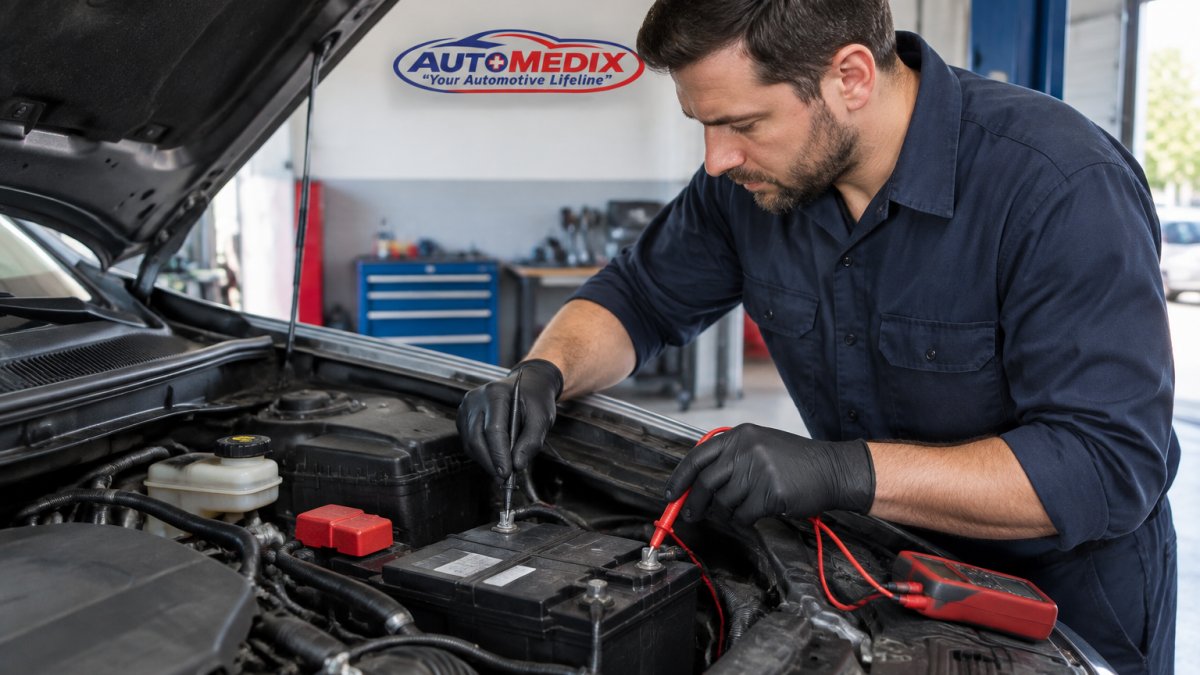
Booking professional car maintenance online is faster than calling around, and it gives you a record of what was agreed before you arrive. The process starts with choosing a service, picking a time, and confirming the details.
Start by listing what your vehicle needs. Note the make, model, year, mileage, and any warning lights or noises you have noticed. This information lets the shop plan the visit correctly.
Next, choose the service. You can book routine maintenance, a diagnostic check, or a specific repair. Our book your car maintenance appointment page lists the services AutoMedix offers.
Pick an appointment slot that fits your schedule.
Confirm the details before you finish. Check the date, time, service, and vehicle, and keep the confirmation for your records. If anything looks wrong, call the shop before the appointment date.
Car Maintenance Schedule by Mileage: Knowing What Your Car Needs
Most vehicles follow a maintenance schedule based on mileage and time. The owner's manual lists the intervals for your specific car.
Use the mileage on your odometer as your main guide. Mark the items due at your current mileage, then check how long it has been since each service. Time matters even when the miles are low, because oil and fluids age.
Regular maintenance also affects how long the engine lasts.
The article points to a few simple ways to check what your car needs, based on mileage and time.
| Check | Where to look | Why it matters |
|---|---|---|
| Mileage | Odometer | Main guide for scheduled maintenance |
| Owner's manual | Your vehicle's manual | Lists intervals for your specific car |
| Time since service | Your service records | Oil and fluids age even at low miles |
| Due items | Schedule at current mileage | Shows which items are due now |
What to Tell a Mechanic When Booking an Appointment
Describe the problem in plain terms. Say when it happens, what it sounds or feels like, and whether a warning light is on. Details like "a squeal when braking at low speed" help a technician more than "the car feels off."
Mention recent work, parts replacements, and any previous repair quotes. This keeps the shop from repeating tests you already paid for.
Ask how the shop will handle estimates and what it recommends, what is urgent, and what can wait. For tips on judging a shop before you book, see how to find trustworthy repair shops.
Car Maintenance Appointment Preparation for St. Augustine Drivers
Preparing for your appointment saves time at the counter. Gather your registration, insurance information, and any service records you have. Bring a list of your concerns and the mileage on the car.

Using an Online Auto Service Appointment: Common Mistakes and Fixes
Many people book online and then forget to confirm. Check your email or text for the confirmation, and call if you do not receive one within a reasonable time.
Another common mistake is leaving out the vehicle details. Enter the correct year, make, and model, since some systems and procedures differ between models.
Some drivers arrive expecting a quick oil change and get a longer list of recommendations. Ask the shop to explain each item and prioritize what is urgent.
Confirm Your Booking With AutoMedix in St. Augustine
Ready to schedule? AutoMedix offers automotive maintenance and repair services in St. Augustine, FL. Confirm your appointment and bring your service history to the visit. Learn who runs AutoMedix and their certifications before you commit.
Frequently Asked Questions
How do I book car maintenance online?
Start on the AutoMedix website, choose the service you need, and enter your vehicle's year, make, and model. Pick an open time slot, add a short description of any symptoms, and submit your contact details. You should receive a confirmation by email or text. Pricing depends on the service and your vehicle, so check the website or call the shop for a current quote before you arrive.
How far in advance should I schedule car maintenance?
Book routine maintenance ahead of time, especially if you want a specific slot. If a warning light is on or the car is behaving unusually, ask about the earliest available appointment.
Should I describe warning lights or unusual noises when booking service?
Yes. Describe the warning light, the noise, or the symptom as specifically as you can, including when it happens, such as braking, turning, or cold starts. Accurate details help the shop understand the problem.